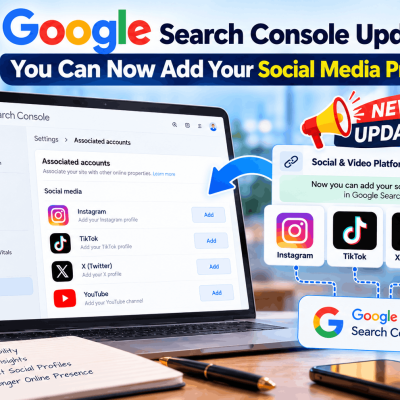
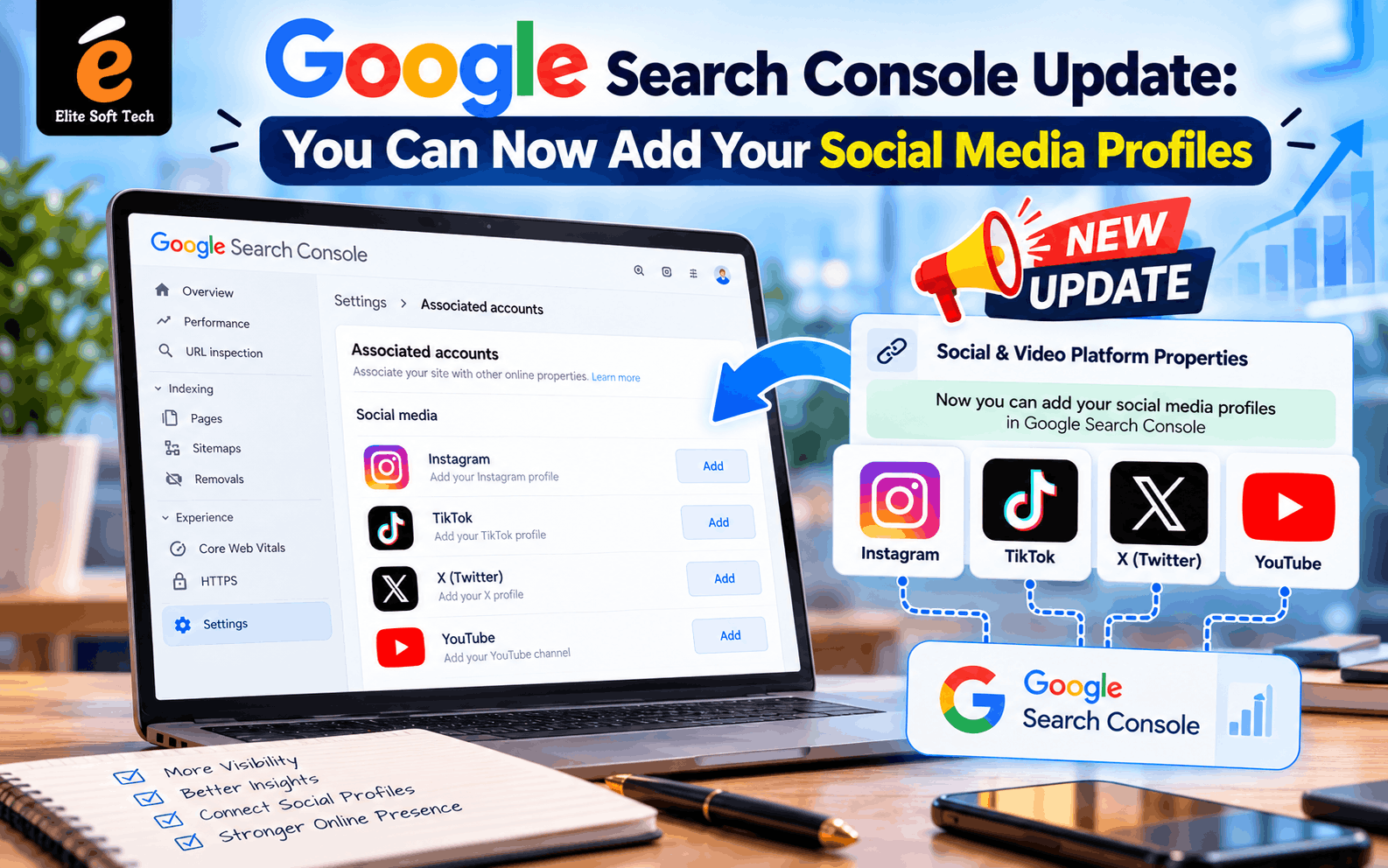
For years, Google Search Console (GSC) answered one question: how does my website perform in Google Search? If your audience found you through an Instagram Reel or a YouTube video, Search Console couldn’t tell you. That gap has now closed.
On July 7, 2026, Google announced platform properties, a new property type that lets you add an Instagram, TikTok, X, or YouTube account directly to Search Console. This post covers what the update is, how to connect your profiles, why it matters, and the questions people ask most.
What Is the Social Media Update in Search Console?
The new feature is called Platform Properties. It is a property type built for supported social and video platforms, and it shows which posts appear in Google Search, which queries drive visibility, and how each piece of content performs over time.
Until now you could only add website domains or URL prefixes. Now you can verify a social account the same way and get search analytics for the content you publish there.
Supported platforms at launch:
- TikTok
- X (formerly Twitter)
- YouTube
Facebook, LinkedIn, Pinterest, Threads, and Reddit are not supported at launch, though Google’s framing suggests the list may grow.
How This Differs From Earlier Experiments
This isn’t the first time Google has tested social data in Search Console. In December 2025, Google ran a limited “social channels” feature that auto-detected social accounts and pulled basic data into a website’s Insights report. The July 2026 update is a full property type with its own reports, and it covers Google Search, Discover, and Google News, not just Search.
It is also separate from Search profiles. A Search profile is a shareable page that consolidates a creator’s content for followers, while a platform property focuses on analytics, showing how those posts perform in Search.
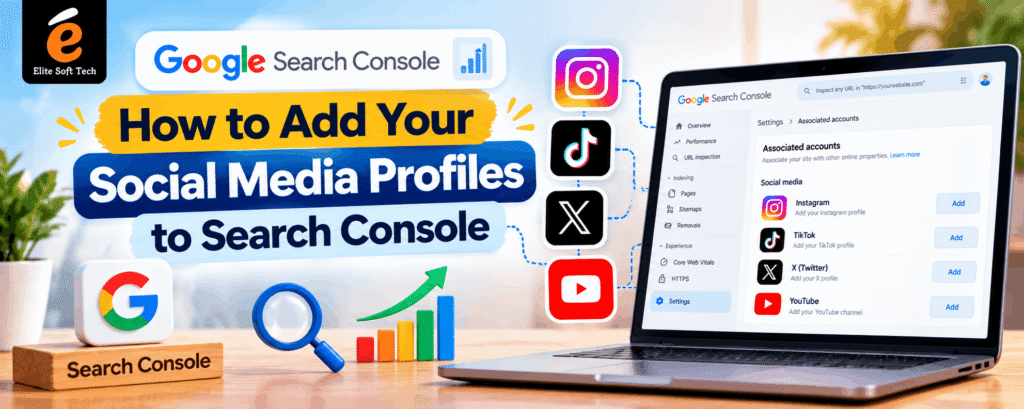
How to Add Your Social Media Profiles to Search Console
- Open Google Search Console and sign in with your Google account.
- Click the property selector at the top left of the dashboard.
- Select “Add property.”
- Choose your platform: Instagram, TikTok, X, or YouTube.
- Follow the on-screen verification steps to authorize the connection. You sign in to the social account and approve access.
Tips Before You Start
- Use the right login. You need admin or owner access to the social account you’re connecting.
- Add each account separately. Teams managing multiple accounts should expect to add one property per verified channel. A brand with Instagram, TikTok, and YouTube will set up three properties.
- Keep the content public. Search Console collects data for publicly available content associated with your verified accounts. Private posts won’t show up.
- Be patient if the option is missing. Google said the rollout is gradual, so the option may not appear in every account immediately. Google has since confirmed the global rollout, announcing on July 29 to 30 that platform properties are available to everyone. If you still don’t see it, try again in a few days or check that you’re logged into the correct Google account.
- Check the current interface. Google adjusts Search Console’s layout often, so button labels may differ slightly from the steps above.
What Data Will You See?
A platform property works like a standard Search Console property, but it is tailored to social and video content. You can expect to find:
- Impressions and clicks for your posts and videos in Google’s results
- Search queries that lead people to your content
- Performance over time, so you can track trends by post
- Discover and News visibility, not just traditional search
Together these show which topics, formats, and keywords make your social content discoverable through Google, not just inside the app.
Key Benefits of Adding Social Profiles
1. A more complete view of brand visibility
Your audience doesn’t only find you through your website. A Reel might rank for a query while your blog post doesn’t. Seeing both in one place shows how your brand appears across Google.
2. Keyword insights for social content
Social teams often pick captions and hashtags by instinct. Search Console shows the actual queries people typed before landing on your post, which gives you data to write better titles, captions, and descriptions.
3. Smarter content strategy
One early analysis noted that if certain queries perform better on social than on-site, content priorities can shift accordingly. You might learn that a topic works better as a short video than as an article, or the other way round.
4. A win for creators without websites
The feature is available even to creators who don’t have their own websites. Small creators and influencers can get professional search analytics without building a site first.
5. Proof of performance for partnerships
Impressions and clicks from Google Search are concrete numbers to show sponsors and brand partners. One creator who connected an Instagram account reported 245,000 impressions and 1,100 clicks in under three weeks. Results like that are one person’s experience and won’t be typical for everyone.
6. Better attribution
Marketers have long struggled to connect search behavior with social discovery. Platform properties help show where people first met your brand.
Manage Your Expectations
This update is useful, but it isn’t magic:
- It won’t rank your posts by itself. Adding your profiles doesn’t mean your posts will be indexed and rank on the first page. Quality, relevance, and optimization still decide that.
- It only reports on what’s public and eligible. Posts Google doesn’t surface won’t generate data.
- Coverage is limited. With no Facebook or LinkedIn support yet, you’ll still need other tools for those channels.
How to Get the Most Out of the Data
- Review the queries driving impressions and mirror that language in future captions and titles.
- Spot your top performers and repeat the topics and formats that work.
- Find high-impression, low-click posts. A stronger hook, thumbnail, or title might lift them.
- Compare website and social performance to see where each channel wins.
- Check monthly. Trends take time to show, so treat this as a regular habit rather than a one-off check.
Frequently Asked Questions
Do I need a website to use this feature?
No. Platform properties work even if you don’t own a website, so creators can connect their social accounts on their own.
Which social platforms can I add?
Instagram, TikTok, X, and YouTube. Facebook, LinkedIn, Pinterest, Threads, and Reddit aren’t supported at launch.
Is it free?
Google Search Console is a free tool, and I haven’t seen any charge for platform properties.
Can I add more than one account?
Yes. You add each account as its own property, so a brand can connect several channels.
Will connecting my profile improve my rankings?
Not directly. The feature is about reporting and analytics, not a ranking boost. Better insights can help you improve your content, and that may improve performance over time.
How long until data appears?
It varies. Some creators report seeing impressions within a day, while others need a little longer, depending on how much of your content Google surfaces.
I can’t see the “Add property” option for social platforms. What should I do?
Confirm you’re signed in to the right Google account, refresh, and try again later. Google described the rollout as gradual, so availability may differ between accounts.
What’s the difference between a platform property and a Search profile?
A Search profile is a public page that gathers a creator’s content for followers. A platform property is a private analytics view for you or your team.
Is my private content exposed?
No. Only publicly available content is tracked.
Does it include Google Discover data?
Yes. Reports cover Search, Discover, and Google News where your content appears.
Final Thoughts
Search Console now recognizes that discovery doesn’t stop at your website. By adding your Instagram, TikTok, X, or YouTube profiles, you get a clearer view of how your content appears in Google, which queries bring people in, and where to focus next.
The setup takes only a few minutes: open Search Console, choose Add property, pick your platform, and authorize the connection. Even if the results start small, that data will help you make better content decisions.