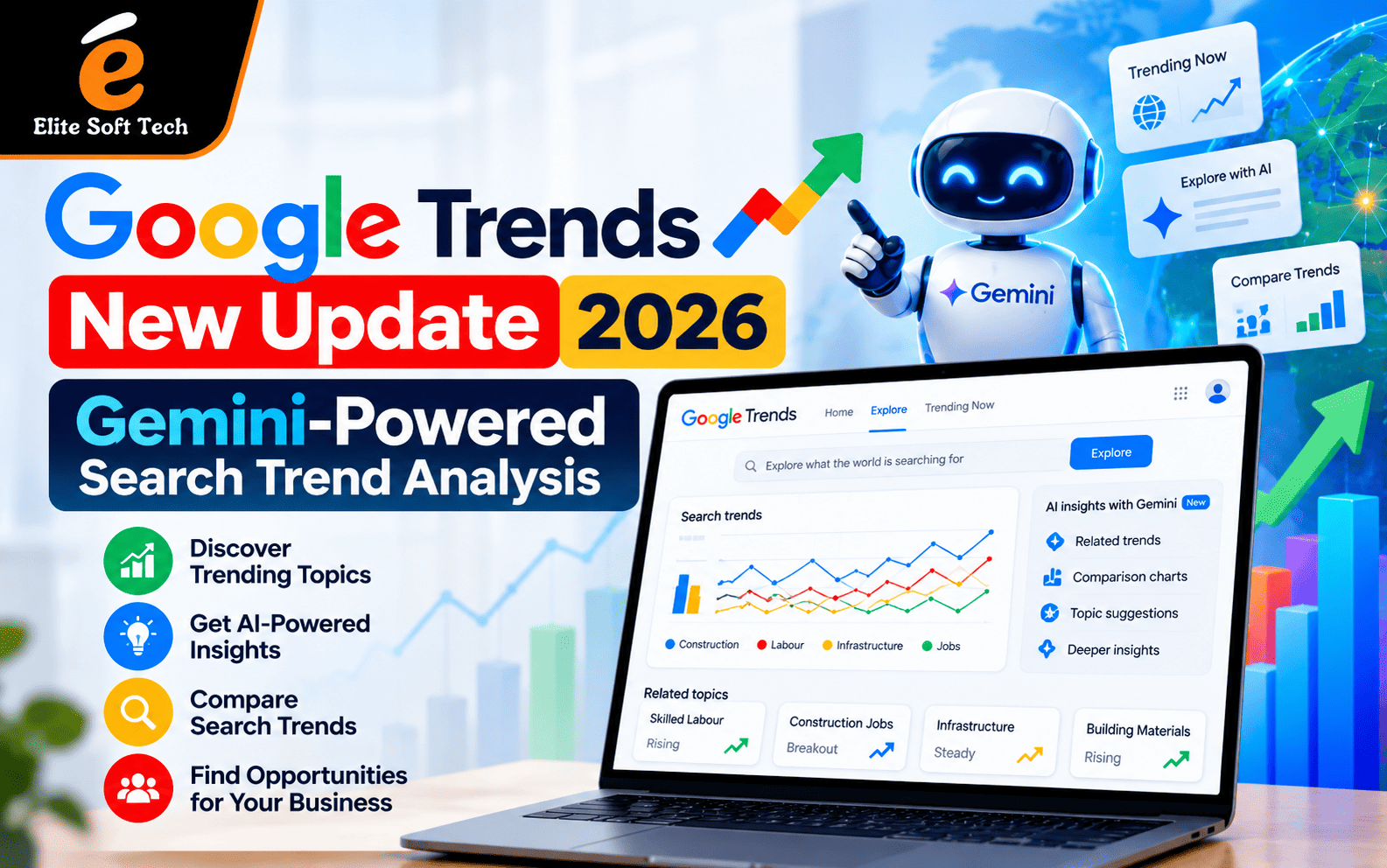
If you have ever stared at a Google Trends graph and wondered what to compare it with, this update is for you. Google has added Gemini to the Trends Explore page, so the tool now helps you decide what to look at as well as showing you the numbers. Below is what changed, why it matters for SEO, and how to turn it into a content advantage.
What Is the Google Trends New Update 2026?
Google Trends has long been a free way to see how interest in a topic rises and falls over time, across regions and categories. The latest update adds Gemini AI to the Explore page. Google says the page now helps users identify and compare trends automatically based on search queries. The revamped tool is rolling out on desktop, with a dynamic side panel powered by Gemini at its heart.
Before this update, finding related terms to compare was manual work. You guessed, tested, adjusted and repeated. Now the Gemini side panel suggests terms and angles worth exploring, which cuts the research time considerably.
Key Features of Gemini-Powered Search Trend Analysis
1. Automatic term suggestions. Type in a topic and Gemini proposes related terms to compare. This automation addresses a longstanding workflow friction in trend analysis. For beginners, it removes the “what do I compare this with?” problem. ppc
2. Easier-to-read comparisons. Each search term now appears with its own icon and colour, which helps when several trend lines overlap on the graph.
3. Room for bigger comparisons. The updated interface suggests Google expects people to ask richer questions that involve several competing or complementary topics at once.
4. Context around the data. Rather than only plotting a line, the AI layer helps explain connections between topics. That matters because a spike on its own tells you very little. Knowing what is driving it tells you whether to act.
5. Desktop first. Google has not yet announced a timeline for the mobile rollout. For now, plan your trend research sessions on a laptop or desktop.
Why This Update Matters for SEO
Search behaviour changes quickly. Topics surge around festivals, product launches, policy changes, sports events and news cycles. Content published after the peak often fails to capture that demand.
AI-assisted trend analysis helps in four ways:
- Faster topic discovery. You spot rising queries sooner and brief writers while interest is still growing.
- Better keyword clustering. Gemini’s suggestions often reveal adjacent topics you would not have typed yourself, which feeds topic clusters and internal linking plans.
- Smarter timing. Seasonal patterns show when to publish, refresh or promote a page.
- Regional insight. Trends data can be filtered by location, so a business in Chennai can see what local audiences care about rather than relying on national averages.
Google Trends shows relative interest, not exact search volume. Think of it as a direction finder. It tells you where attention is heading, and you still need other tools to estimate size and difficulty.
How to Use Gemini-Powered Google Trends Step by Step
You can try the real-time view yourself with this Google Trends Explore example for “seo” in India. It shows interest over the past day for one query in one country, which is a good way to see how fast things can move.
Here is a simple workflow:
Step 1: Start with a seed topic. Enter a core term such as “seo”, “digital marketing” or your product category.
Step 2: Set the right filters. Choose the country, time range and category. Use “past 24 hours” or “past 7 days” for breaking interest, and “past 12 months” or “past 5 years” for seasonality.
Step 3: Let Gemini suggest comparisons. Review the suggested terms and keep the ones that match your audience’s intent.
Step 4: Check related queries and topics. Look at “Rising” and “Top” lists. Rising queries are early opportunities. Top queries show established demand.
Step 5: Validate with other data. Cross-check with Google Search Console, your analytics and a keyword tool before committing resources.
Step 6: Turn insights into a content calendar. Match each trending topic to a page type (guide, comparison, FAQ, news explainer) and a publish date.
Practical Use Cases
Content marketers can pick blog topics based on rising interest instead of intuition, and update older posts when a topic is climbing again.
Ecommerce teams can compare product names or categories to see which are gaining momentum before a season, and adjust stock, ads and landing pages accordingly.
Local businesses can find which services people in their city search for more at certain times of year, then build service pages to match.
Agencies and consultants can use trend charts in client reports to justify why a topic deserves investment, with evidence that is easy for non-specialists to understand.
Tips to Get More Out of the Update
- Compare intent, not just words. “SEO course” and “SEO services” attract different audiences. Compare them to decide which page to build first.
- Combine short and long windows. A 24-hour spike may be noise; a 12-month climb is a pattern.
- Watch for breakout topics. Sudden jumps often signal an opportunity for a timely, helpful explainer.
- Do not chase everything. Choose trends that fit your expertise. Publishing on topics you cannot speak about credibly will not earn trust from readers or search engines.
- Refresh, do not just publish. Updating an existing page with new data and clearer answers is often more effective than creating another thin article.
Limitations to Keep in Mind
The Gemini layer makes research easier, but it is not a complete SEO solution. The system cannot yet handle complex comparative analysis that needs several filtering dimensions at once. Trends data also depends on Google search activity, so very niche topics may not show enough volume to appear. AI suggestions can reflect assumptions too, so treat them as prompts for your own judgement.
Finally, a trend is not the same as a ranking. Spotting a rising topic gets you to the starting line. To win, you still need quality content, clean technical foundations, strong internal linking and credible authority.
Turning Trend Data into Results
Trend research works best when it feeds a wider strategy: keyword mapping, on-page optimisation, technical health and link earning. If you want expert help building that system around the insights you find, a professional SEO services team can connect trend data to a measurable growth plan.
Final Thoughts
The Gemini-powered Google Trends update lowers the barrier to trend analysis. Suggestions, clearer comparisons and added context mean less time guessing and more time acting. Marketers who build a regular habit of checking trends, validating them with other data and publishing helpful content quickly will be in the best position to benefit.
Frequently Asked Questions (FAQs)
1. What is the new Google Trends update in 2026?
It is the addition of Gemini AI to the Google Trends Explore page. The AI helps suggest and compare search terms and gives context around trends, so research is faster and easier.
2. How does Gemini improve search trend analysis?
Gemini suggests related terms to compare, so you no longer need to guess manually. This helps you find connections and rising topics that you might otherwise miss.
3. Is the Gemini-powered Google Trends feature free?
Google Trends has traditionally been a free tool. Availability of specific features can change by region and rollout stage, so check the Explore page for what you can see.
4. Is it available on mobile?
The rollout started on desktop, and no mobile timeline has been announced, so use a desktop browser for the full experience.
5. Does Google Trends show exact search volume?
No. It shows relative interest on a scale from 0 to 100. Use Google Search Console or a keyword research tool when you need volume estimates.
6. How can Google Trends help my SEO strategy?
It helps you choose topics with growing interest, time your publishing, understand seasonality, and tailor content to regions, all of which support better keyword and content planning.
7. Can I rely only on AI suggestions for keyword research?
No. Use them as a starting point, then validate with Search Console, analytics, competitor review and your own knowledge of your audience.
8. How often should I check Google Trends?
Weekly is a good rhythm for most content teams. Check daily during launches, festivals, sales seasons or fast-moving news.