
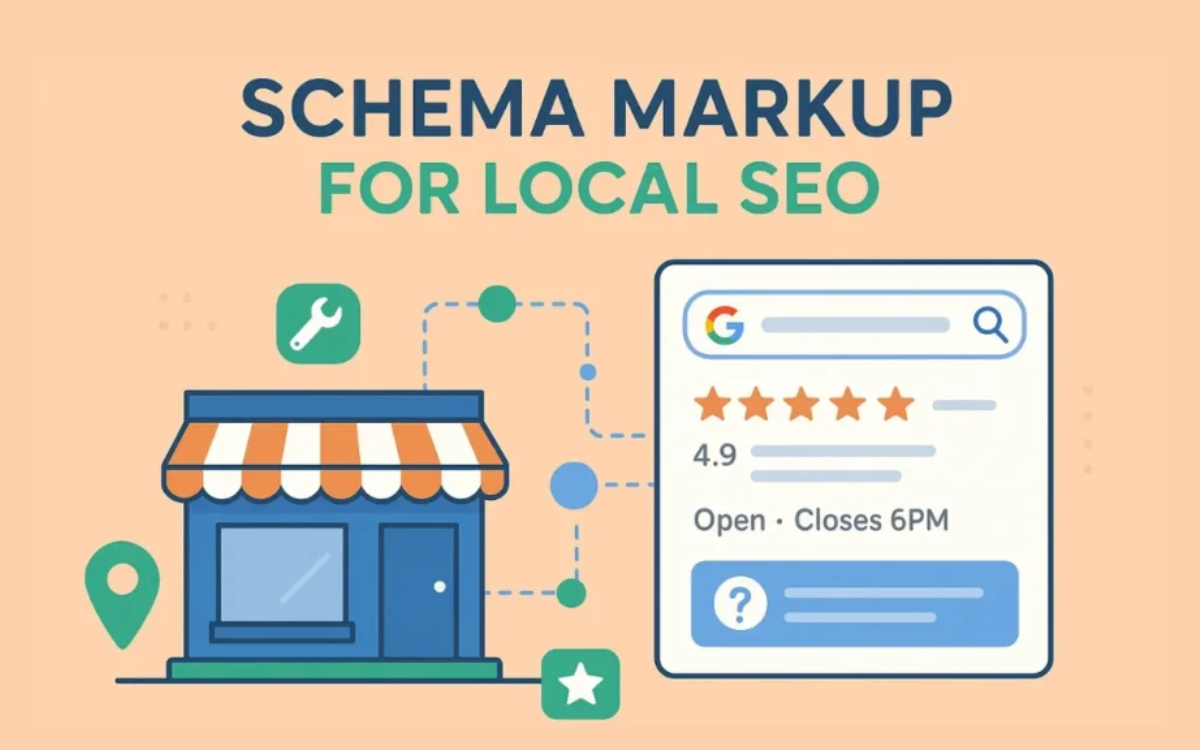
You’re missing out on an effective instrument that might significantly boost your online visibility if you’re a local business owner having trouble standing out in search results. One of the most underutilized but successful methods for improving your local SEO performance is local schema markup. Learn exactly what local schema markup is, why it matters, and how to use it on your website to dominate local search results in this thorough guide. What Is Local Schema Markup? You can improve search engines’ comprehension of your company information by adding local schema markup, a type of structured data, to the code of your website. Consider it a layer of translation between search engines like Google and your website. Although your company name, address, phone number, and operating hours are easily identifiable to humans from your website, search engines require explicit signals in order to reliably extract and display this information. A standardized vocabulary from Schema.org, a partnership between Google, Microsoft, Yahoo, and Yandex, is used in schema markup. By using local schema markup, you are effectively giving search engines a well-structured dataset about your company that they can use in the creation of knowledge panels, rich snippets, and improved local search results. Why Local Schema Markup Matters for Your Business It is impossible to exaggerate how important local schema markup is to your local SEO visibility. You should prioritize it in your digital marketing strategy for these reasons Improved Search Visibility: Your company is eligible for rich search engine results when local schema markup is properly implemented. By doing this, you can differentiate your company from rivals by having your listing show up in search results with extra details like star ratings, business hours, price range, and images. Higher Click-Through Rates: Schema markup makes rich snippets that show up more aesthetically pleasing and educational. Improved search results have been shown to increase click-through rates by 20–30%, resulting in more targeted visitors to your website. Improved Voice Search Performance: Local schema markup grows more and more crucial as voice search keeps expanding. For voice assistants to accurately respond to local queries like “best Italian restaurant in downtown” or “plumber near me,” structured data is essential. Enhanced Credibility and Trust: Search engines are more inclined to feature your company prominently when they can validate its information using schema markup. Among these are tools like the Google Knowledge Panel, which significantly improves credibility and trust with prospective clients. Competitive advantage: Local schema markup continues to be underutilized by local businesses, despite its advantages. You can quickly outperform rivals who are lacking this crucial element by including it to your website. Essential Types of Local Schema Markup Before diving into implementation, it’s important to understand the different types of local schema markup that are most beneficial for local businesses: LocalBusiness Schema: This is the foundational schema type for any local business. It includes basic information like your business name, address, phone number, website URL, and business hours. There are also specialized subtypes like Restaurant, Attorney, Dentist, and AutoRepair that provide additional relevant fields. Organization Schema: This broader schema type helps establish your business entity and can include information about your logo, social media profiles, and corporate structure. Review Schema: This markup allows you to display star ratings and review counts directly in search results, which is incredibly powerful for building trust and attracting clicks. Opening Hours Schema: Explicitly marking up your business hours ensures that potential customers see accurate information about when you’re open, reducing frustration and improving the customer experience. GeoCoordinates Schema: Adding precise geographic coordinates helps search engines understand exactly where your business is located, improving your visibility in local map results. Step-by-Step Guide to Adding Local Schema Markup Now let’s walk through the process of implementing local schema markup on your website. Don’t worry if you’re not particularly technical – there are multiple methods to choose from based on your comfort level. Method 1: Using JSON-LD (Recommended) JSON-LD (JavaScript Object Notation for Linked Data) is Google’s recommended format for schema markup because it’s easy to implement and maintain. Here’s a basic example for a local restaurant: To implement this, simply paste the code into the <head> or <body> section of your website’s HTML. You’ll need to replace the example information with your actual business details. Method 2: Using WordPress Plugins If your website runs on WordPress, several excellent plugins can help you add local schema markup without touching code: These plugins typically provide form fields where you enter your business information, and they automatically generate the proper schema markup for you. Method 3: Using Google Tag Manager For those who prefer a centralized approach to managing website tags, Google Tag Manager offers a clean way to implement schema markup without modifying your website’s core code. You can create a custom HTML tag containing your JSON-LD schema and deploy it across your site with trigger rules. How to Verify Your Local Schema Markup Adding schema markup is only half the battle – you must verify that it’s working correctly. Here’s how to ensure your implementation is error-free: Google’s Rich Results Test Visit Google’s Rich Results Test tool and enter your website URL. This tool will scan your page and show you which schema types it detects and whether there are any errors or warnings. Pay close attention to any critical errors, as these can prevent your markup from working properly. Schema Markup Validator The official Schema.org validator provides detailed analysis of your markup. It checks for syntax errors and validates that your schema follows the correct structure. This is particularly useful for catching typos or formatting issues in your JSON-LD code. Google Search Console After implementing your schema markup, monitor the “Enhancements” section in Google Search Console. This area shows how Google is interpreting your structured data and alerts you to any issues it encounters while crawling your site. You’ll see reports for different schema types like Local Business, Product, and Review markup. Manual Testing Don’t forget to do real-world testing. Search